How to add EUR IBANs and GBP accounts to your product with the UNIGOX European Accounts API
Published on 21st of October 2026 by Unigox Team
▶️ Watch the 20-second overview: https://youtu.be/25hXL_yFuh0
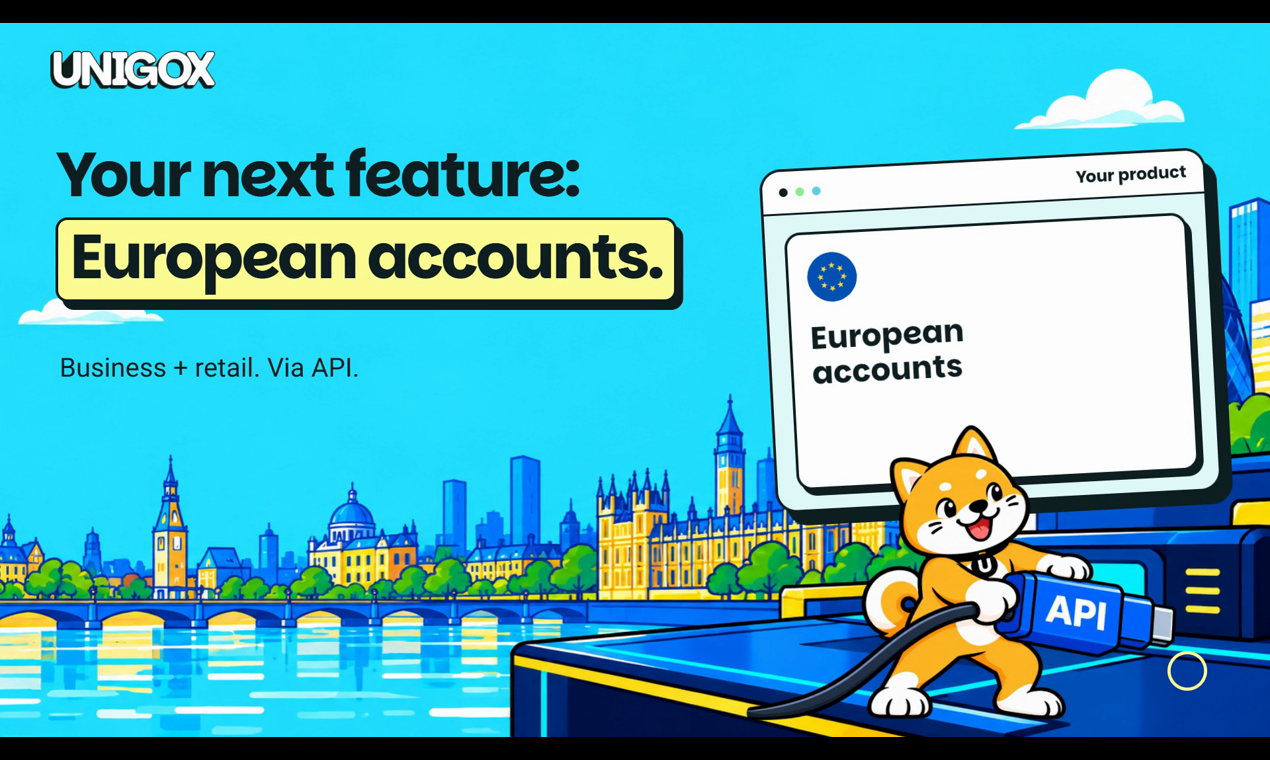
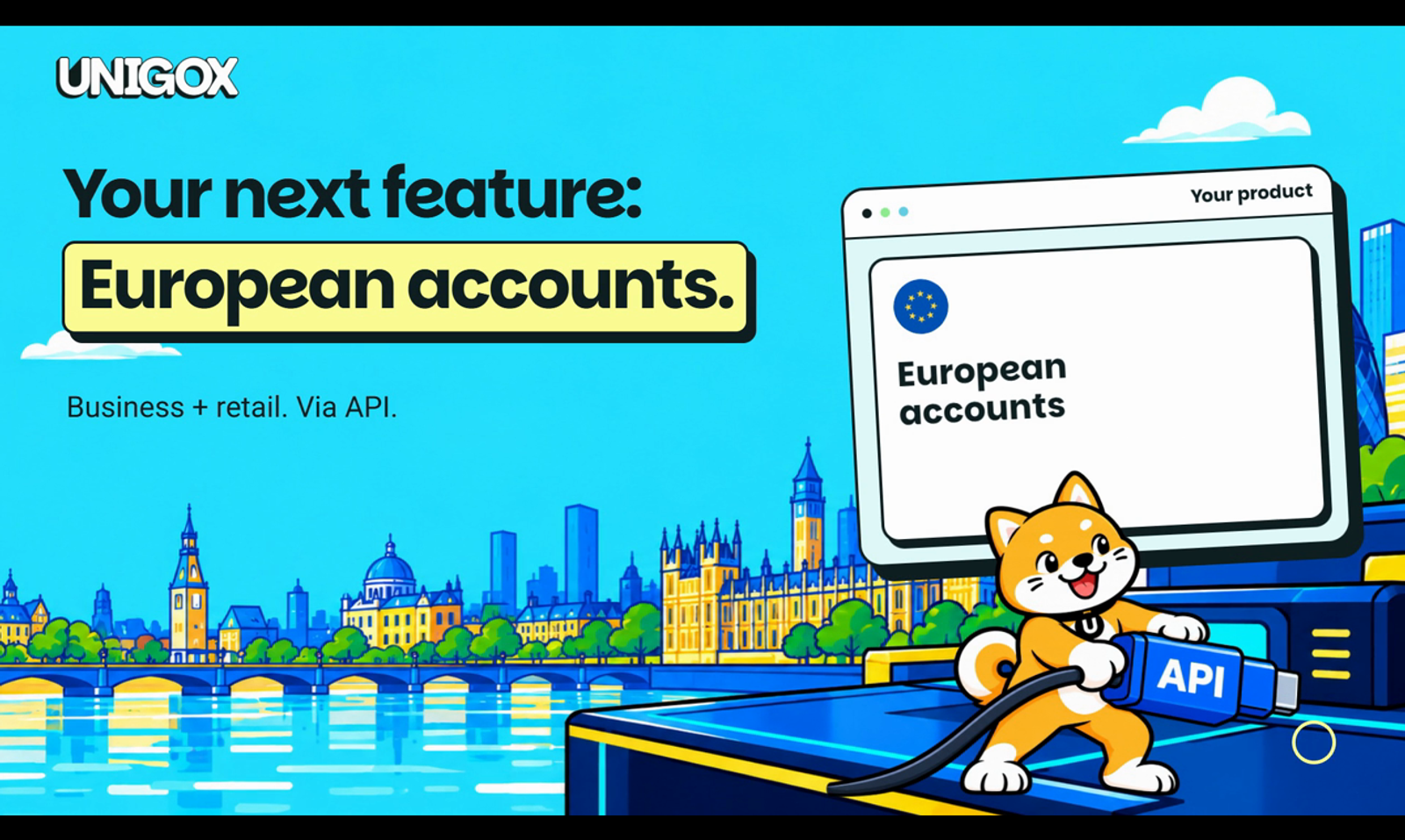
If you run a wallet, a fintech app or a marketplace, there's a good chance your users want a simple thing: an account they can be paid into, in their own name, without leaving your product. The UNIGOX European Accounts API lets you do that. You build the experience; UNIGOX provides the account infrastructure.
This post covers what the API does, who it's for, and the main steps of an integration, based on the fiat accounts tutorial at developers.unigox.com.
What it is
The European Accounts API lets a partner issue dedicated accounts to its own customers:
- EUR accounts with an IBAN, paid into over SEPA.
- GBP accounts with an account number and sort code, paid into over UK Faster Payments.
- Accounts in the customer's own name. The account's holder_name is your customer, not you and not UNIGOX.
- Verification built in. Individuals go through KYC, and companies go through KYB (business verification) before an account can be opened for them.
- Balances and deposit notifications. You can read balances and incoming credits, and for individual accounts a webhook fires when money arrives.
Everything runs under your partner API key, with the same conventions as the rest of the UNIGOX Partner API: responses wrapped in { "success": true, "data": { … } }, machine-readable error codes, snake_case fields and X-API-Key authentication.
One thing to know before you start: this product isn't self-service. It's enabled per partner, so you'll need to talk to UNIGOX first. For individuals, v1 is receive-only: money can come in, and converting it is done through an order, not a transfer out through this API.
Who it's for
- Wallets that want users to top up by bank transfer from an account that's theirs.
- Fintechs and neobanks that want to offer EUR and GBP accounts without building banking infrastructure themselves.
- Marketplaces and B2B platforms that want each seller or business client to have an account in the company's own name.
Step by step: accounts for individuals
The tutorial's flow has six steps. Here they are in order.
1. Onboard and verify the customer
The account holder is a customer you already have: one you created with POST /api/v1/partner/users and put through KYC. There's no second identity to register. If you already have a verified customer, reuse them.
2. Check what you can offer
Run this first. It tells you whether the product is switched on for you, and which currencies and issuing jurisdictions are available:
|
The response includes enabled, issues_accounts, currencies (for example ["EUR", "GBP"]) and issuers. If the product is off, you still get a 200 with enabled: false and a disabled_reason, not an error.
3. Check the customer is ready
GET /api/v1/partner/users/{user_uuid} returns a fiat_account_issuance object with ready and missing_fields. If the bank needs something the KYC record doesn't have (such as address or postal_code), fill it in with PATCH /api/v1/partner/users/{user_uuid}/kyc and try again.
4. Issue the account
One call per customer:
|
currency is required; issuer_country is optional and falls back to the currency's default. The call is idempotent per customer, currency and jurisdiction, so a retry returns the same account rather than opening a second one. The account is identified by fiat_account_id.
5. Wait for active, then show the pay-in details
An account starts as pending and moves to active once the bank has opened it (it can also end up failed or closed). Don't tell the customer to send money while it's pending. A fiat_account.updated webhook fires when the status changes, or you can poll GET /api/v1/partner/fiat-accounts/{fiat_account_id}.
Once it's active, that same call returns the pay-in details for the rail:
- EUR (SEPA): iban, bic, bank_name, holder_name
- GBP (Faster Payments): account_number, sort_code, bank_name, holder_name
It also returns balances. If the balance can't be read at that moment, you get balances_unavailable: true rather than a misleading zero.
6. Listen for deposits and read what arrived
Register your endpoint with POST /api/v1/partner/webhooks. When money lands, you receive fiat_account.deposit.received with the fiat_account_id, user_uuid, transaction_id, amount, currency and a nullable order_id. To list incoming credits:
|
If the customer has an open on-ramp order, the deposit can fund it directly, and the transaction carries that order_id so you can reconcile both sides. Money that arrives without an order stays on the account, and the customer can later use it for an on-ramp with POST /api/v1/partner/orders/{order_id}/pay-from-balance.
Note that accounts with no transactions are closed automatically after a period set by UNIGOX (30 days by default). You get a fiat_account.updated event with status: closed.
Accounts for companies
Businesses follow a separate flow, described in the Business customers tutorial. You start KYB with POST /api/v1/partner/business-customers, and an onboarding link is emailed to the company's representative. Once the KYB is approved, you issue an account with POST /api/v1/partner/business-customers/{business_customer_id}/fiat-accounts, then read balances, the ledger and incoming and outgoing bank transfers. The company onboards directly with UNIGOX, and this capability is also enabled per partner.
Getting started
- Read the fiat accounts tutorial and API reference.
- Get in touch so the product can be enabled for your partner account.
- Run GET /fiat-accounts/config to confirm what's switched on, then build the flow above.
Explore the APIs: https://developers.unigox.com
Talk to us: https://www.unigox.com/business
Written by Unigox Team
← Back to blog